
Zoho • 11 MIN READ
Zoho CRM and Xero: fixing GST mismatches, duplicate contacts and broken invoice sync
Fix Zoho Xero integration problems after go-live — GST mismatches, duplicate contacts and broken invoice sync between Zoho CRM and Xero.
Practical guides on Zoho CRM, websites and growth for Australian businesses, written by the Vixo team in Forestville, NSW. See related services →
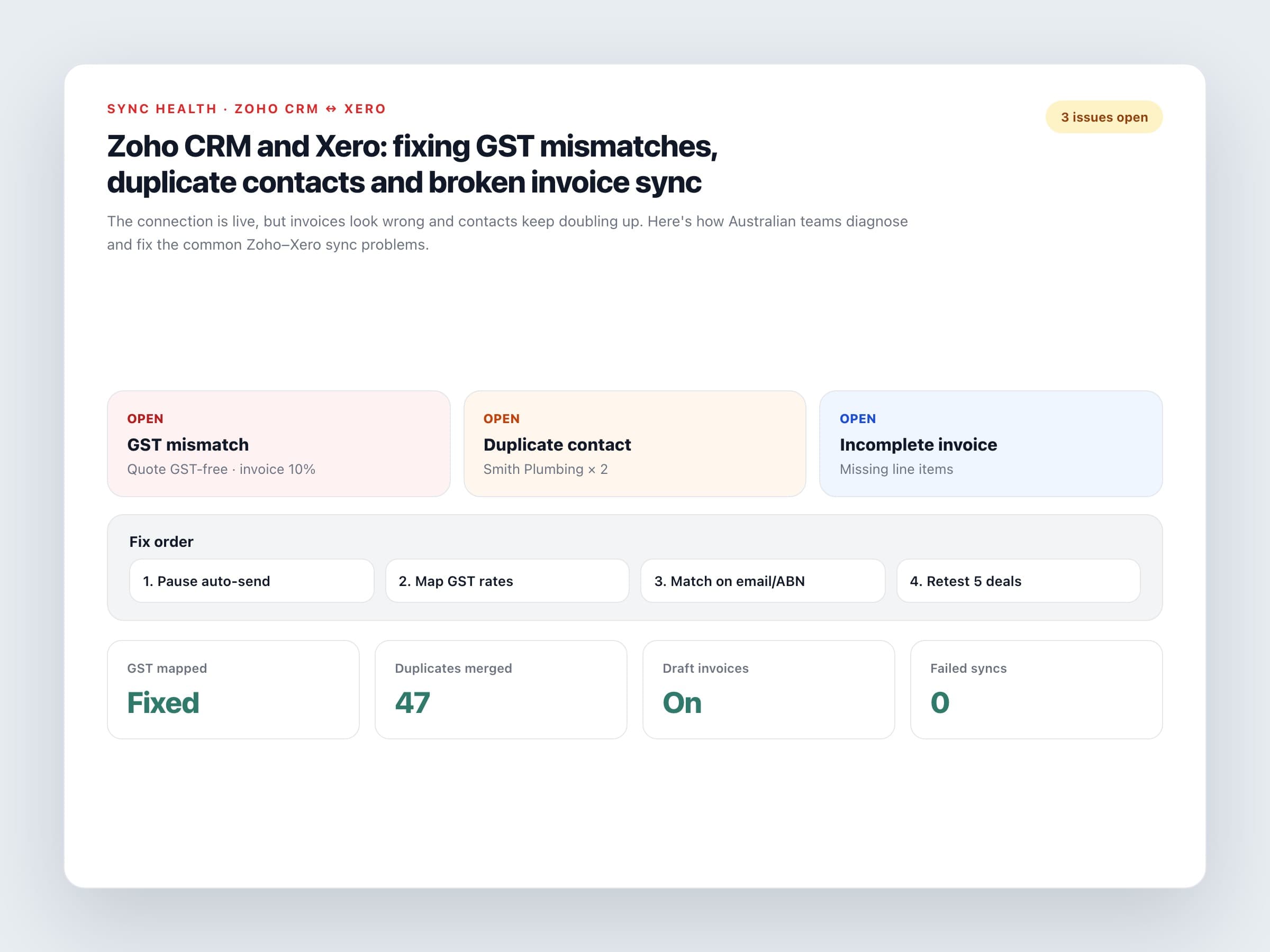
When Zoho Xero integration is live but nobody trusts it
If you've already connected Zoho CRM and Xero, this post is for the next stage of Zoho Xero integration: when sales says the deal is won, finance opens Xero and finds the wrong tax code, a second copy of the customer, or an invoice with one lumped line instead of the quote detail. That pattern is common in Australian businesses because GST, ABNs and accountant habits don't forgive sloppy mapping.
This is a troubleshooting guide, not another setup walkthrough. If you still need the initial connection steps, start with our Zoho CRM and Xero setup guide, then come back here.
The three problems we see most
GST and tax mismatches
CRM says GST inclusive, Xero applies a different rate, or GST-free lines get taxed. BAS figures then disagree with what sales thought they sold.
Duplicate contacts
'Smith Plumbing Pty Ltd' in CRM and 'Smith Plumbing' in Xero become two customers. Invoices land on the wrong record.
Broken or incomplete invoices
Missing line items, wrong account codes, drafts that never should have sent, or payments that never show back in CRM.
The connector will copy whatever rules you gave it. Bad ownership rules create clean, repeatable messes.
Fix GST mapping first
Xero calculates tax from the tax rate on each line. Your job in the integration is to send the right rate name and to keep inclusive vs exclusive pricing consistent end to end.
GST checklist
List every CRM tax option
GST on Income, GST Free Income, and any custom rates you use.
Map each one to a Xero tax rate
Same percentage, same treatment. Don't map GST-free to a 10% rate 'for now'.
Decide inclusive or exclusive
If CRM quotes include GST, say so in the mapping. Mixed rules are how $11,000 becomes $12,100 overnight.
Test three deal types
Fully taxable, fully GST-free, and mixed lines. Have your bookkeeper open the draft invoice before anyone sends it.
Stop duplicate contacts
Matching rules that work in Australia
Match on email, then ABN
Company name alone is too fuzzy. Store ABN on the CRM account and use it when the contact is a business.
One direction for new customers
Create the Xero contact when the deal is won, not when the lead first arrives. Tyre-kickers don't belong in the ledger.
Merge before you widen sync
Clean existing duplicates in both systems, then tighten the match rule. Bidirectional sync on a dirty database multiplies the mess.
Agree naming standards
Legal name vs trading name. Pick one for the primary field and put the other in a secondary field.
Repair invoice sync
What to check on failed or ugly invoices
Line items
Each product or service needs quantity, unit price, tax rate and Xero account code. A single lump sum breaks GST detail.
Trigger timing
Fire on Closed Won with required fields filled — not on every deal edit. Too-early invoices annoy finance and customers.
Draft first
Create drafts in Xero for the first weeks. Turn on auto-send only after a clean sample of real deals.
Payments back to CRM
If sales still chases paid invoices, sync payment status back. Visibility problems look like sync problems.
Error log
Check Flow history or the Marketplace sync log weekly. Silent failures are how invoices go missing until month-end.
A calm cleanup order
Pause customer-facing auto-sends. Write the ownership rules on one page. Fix tax mapping. Merge duplicates. Re-test five deals with your bookkeeper. Only then turn the automation back up. Patching invoices one by one feels productive and never ends.
Still fighting Zoho CRM Xero integration errors after setup? Get expert Zoho and Xero integration support to remap GST, clean duplicates and stabilise invoice sync.
