
Zoho • 11 MIN READ
Zoho One implementation in Australia: what to roll out first
Zoho One implementation in Australia works best in phases. What to roll out first, how licensing fits, and when a Zoho One consultant helps.
Practical guides on Zoho CRM, websites and growth for Australian businesses, written by the Vixo team in Forestville, NSW. See related services →
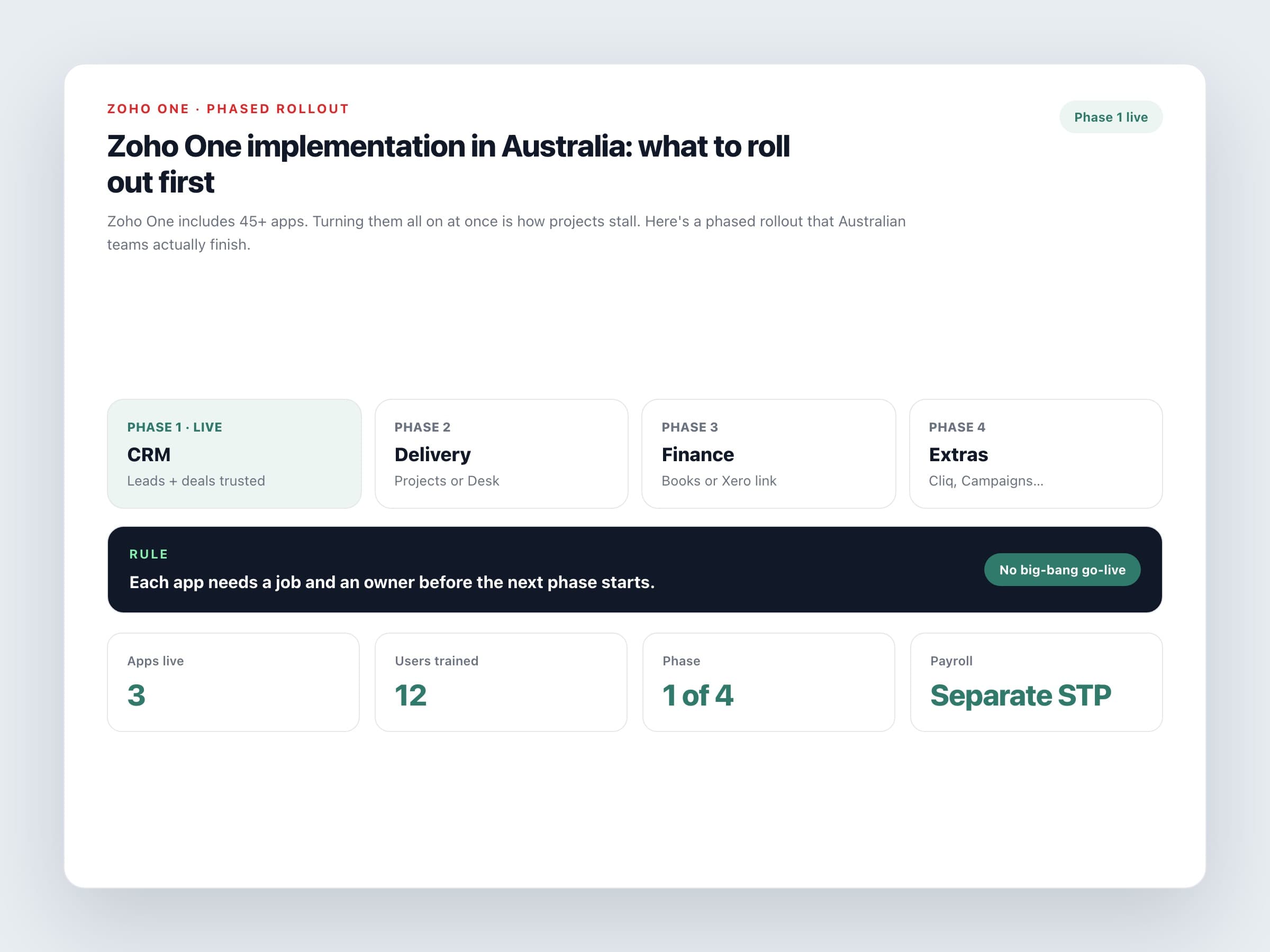
Zoho One implementation: don't switch on 45 apps on Monday
Zoho One bundles CRM, email, projects, finance, HR, help desk and more under one subscription — Zoho business management software in one licence. That value only shows up if people use a handful of apps well. Teams that enable everything on day one usually get confused logins, half-finished modules and a quiet return to the old tools within a month.
This guide is about implementation order, not pricing maths. If you need the AUD licence comparison, read our Zoho One pricing breakdown first, then come back here to plan the rollout.
A phased rollout that works
Phase 1: Sales system of record
Zoho CRM, email integration, website forms. Get leads and deals trusted before you expand.
Phase 2: Delivery or service
Zoho Projects for client work, or Zoho Desk for support tickets, depending on which pain is louder.
Phase 3: Finance link
Zoho Books if you're ready to move ledgers, or a Flow/Xero connection if the accountant stays put.
Phase 4: People and extras
Cliq, Campaigns, Analytics, Recruit or others only after the first three phases have owners and habits.
Zoho One succeeds when each app has a job and an owner. Suite access without ownership is just a bigger login screen.
Licensing decisions before training
All-Employee licensing means everyone on payroll gets a Zoho One seat. Flexible licensing means you only buy for people who'll use it. That choice changes your training plan. On All-Employee, give field staff a simple Cliq or CRM mobile view rather than dumping them into Books. On Flexible, be strict about who is in and who stays on email only.
Australian constraints to design around
Plan for these early
Payroll
Zoho Payroll isn't available for Australia. Keep Employment Hero or another STP-compliant product and connect journals if needed.
GST and BAS
If Books is in scope, configure ABN, tax rates and BAS settings before migration. Don't leave it to week eight.
Data residency
Create or confirm the organisation on the Australian data centre (.com.au) before you import customer lists.
Accountant preference
If your accountant won't leave Xero, design Phase 3 as integration, not a forced Books migration.
Light governance so it sticks
Minimum operating rules
One admin, one backup
Two people with org-level access and a shared password vault for recovery codes.
App owners
CRM, Desk, Projects and Books each need a named owner, even in a small business.
Monthly cleanup
Thirty minutes to review unused apps, duplicate contacts and failed Flow runs.
Adoption metric
Logins aren't enough. Track records created, tickets closed or invoices sent from the new system.
A calm Zoho One implementation looks boring from the outside: one phase live, the next scoped, training done in short sessions. That's the point. You're buying an operating system for the business, not a weekend of clicking through every app icon.
Planning Zoho One implementation in Australia? A Zoho One consultant can phase the rollout, set licensing correctly and stop unused apps from wasting seats.
